¶ Android Offline Maps for Burning Man 2026
This guide installs a downloadable Black Rock City map in the Meshtastic app for Android. The map is provided as an MBTiles file and appears as a custom map style after it is imported.
Complete the download and import while you still have a reliable internet connection. You do not need to connect a Meshtastic radio to prepare the map.
¶ Video tutorial
¶ Before you begin
You will need:
- an Android phone or tablet with the current Meshtastic app installed;
- Google Chrome or another web browser;
- enough free storage for the MBTiles file; and
- an internet connection for the initial download.
Important: The high-detail map shown in the tutorial is approximately 222 MB. Make sure your device has enough free storage before downloading it.
¶ 1. Download a 2026 map file
- Tap the button below to open the BurningMesh 2026 map folder.
- The Google Drive folder contains two map files:
BM2026Regular.mbtiles— smaller download for general use;BM2026HighDetail.mbtiles— larger download with more detail.
- Choose the file that best fits your available storage and desired detail.
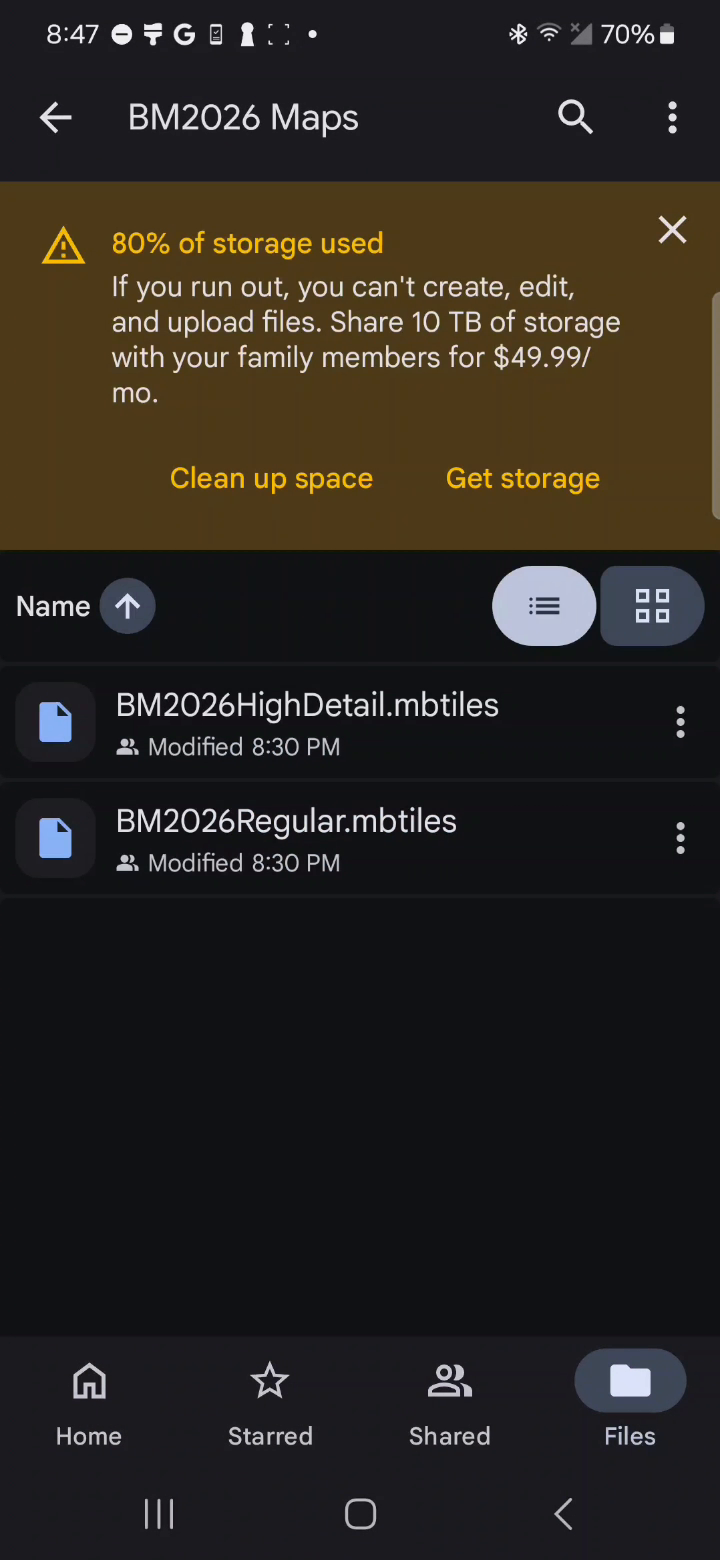
- Open the three-dot menu beside the file and tap Download.
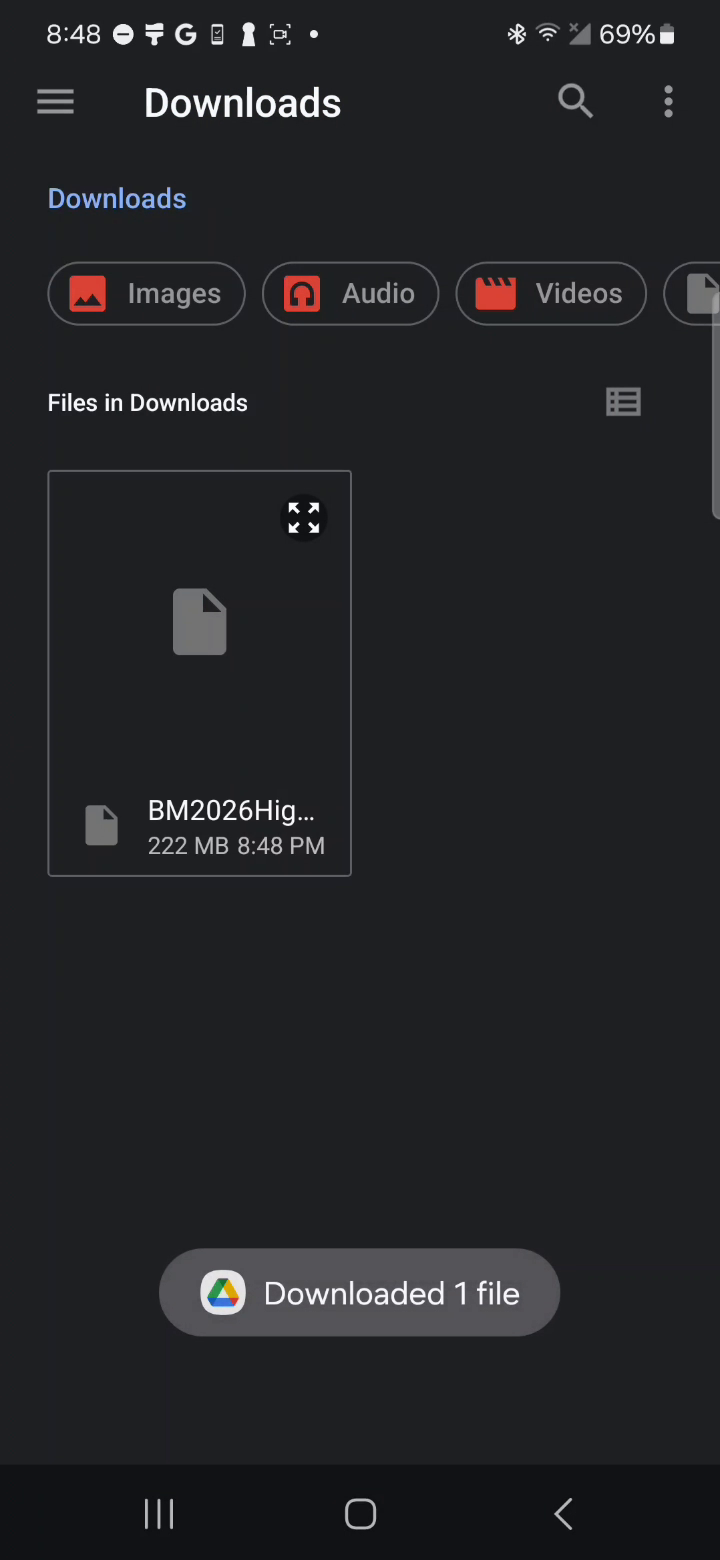
- Wait for Android to confirm that the file was downloaded. By default, it is saved in Downloads.
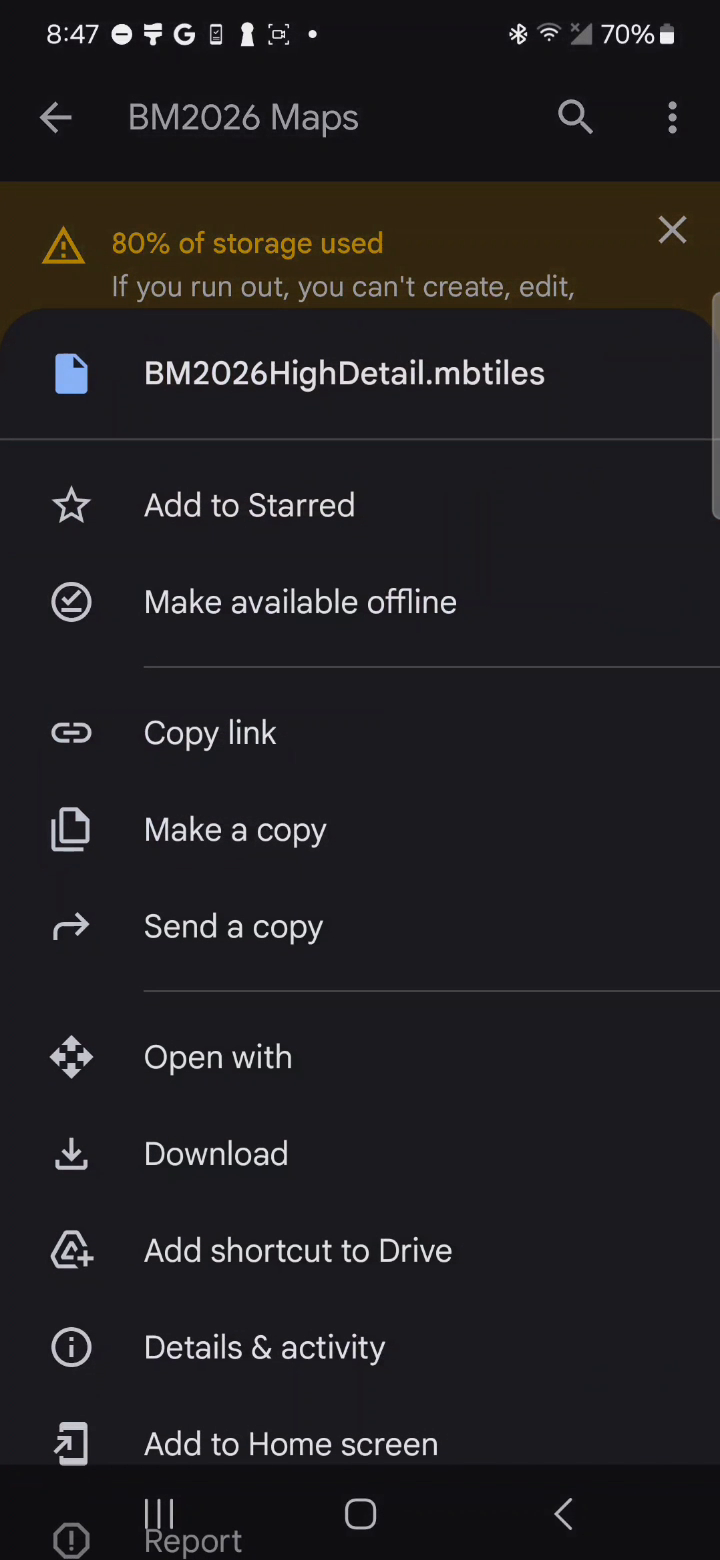
Tip: You only need one MBTiles file. If storage is limited, use the regular version.
¶ 2. Open the custom map controls
- Open Meshtastic and select the Map tab.
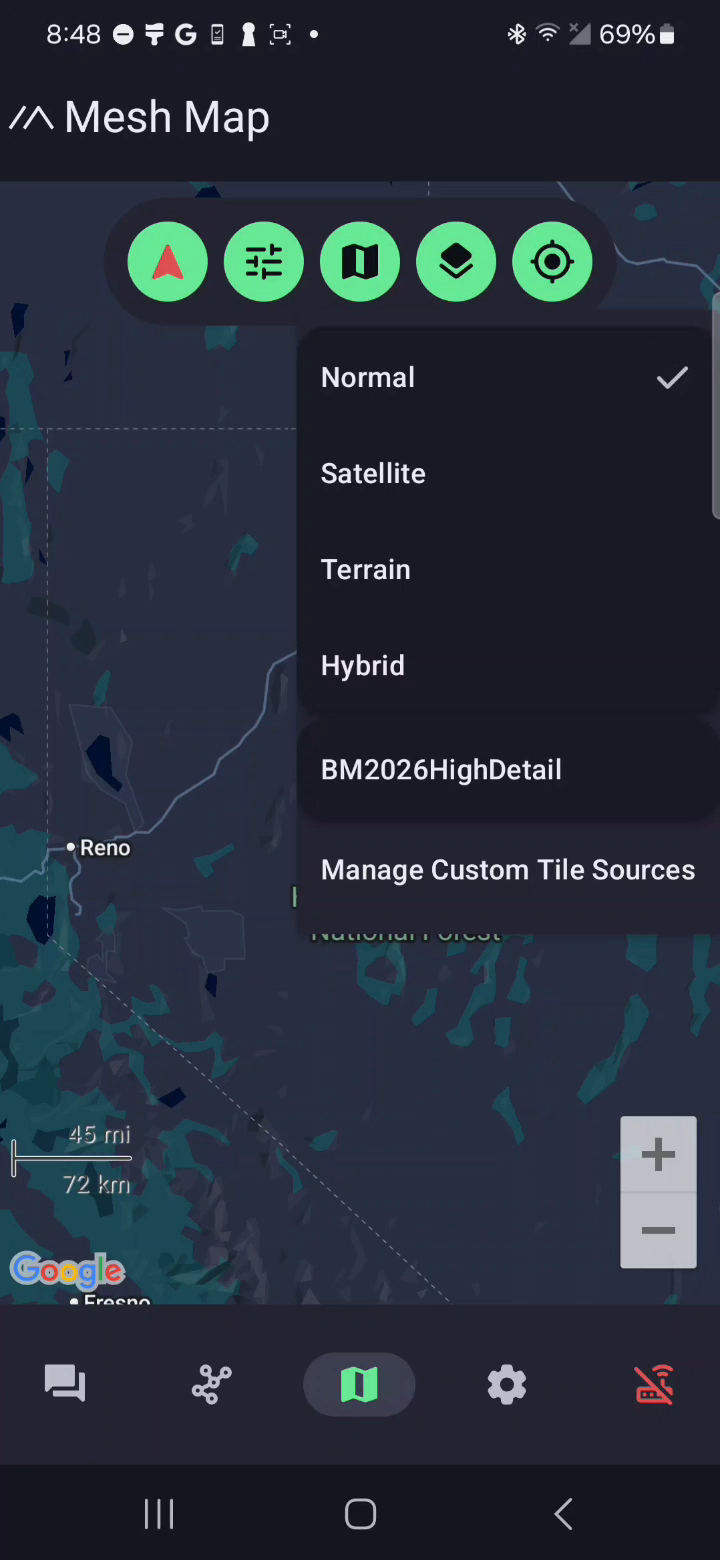
- Tap the map-style button in the green toolbar at the top of the map.
- Tap Manage Custom Tile Sources.
- On Manage Custom Tile Sources, tap Add Local MBTiles File.
¶ 3. Import the downloaded MBTiles file
- In Android's file picker, open Downloads.
- Select the
BM2026Regular.mbtilesorBM2026HighDetail.mbtilesfile that you downloaded.
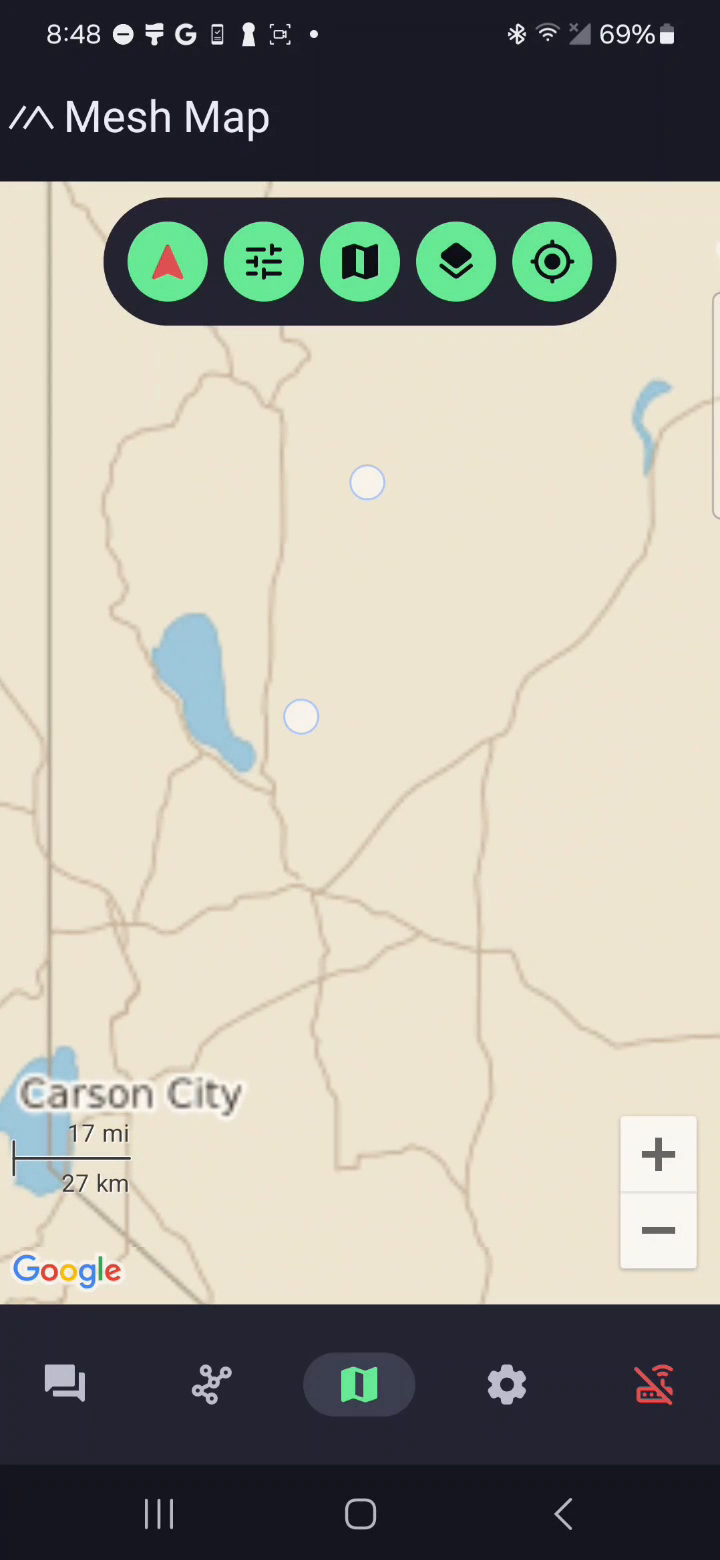
- Return to the map and open the map-style menu again.
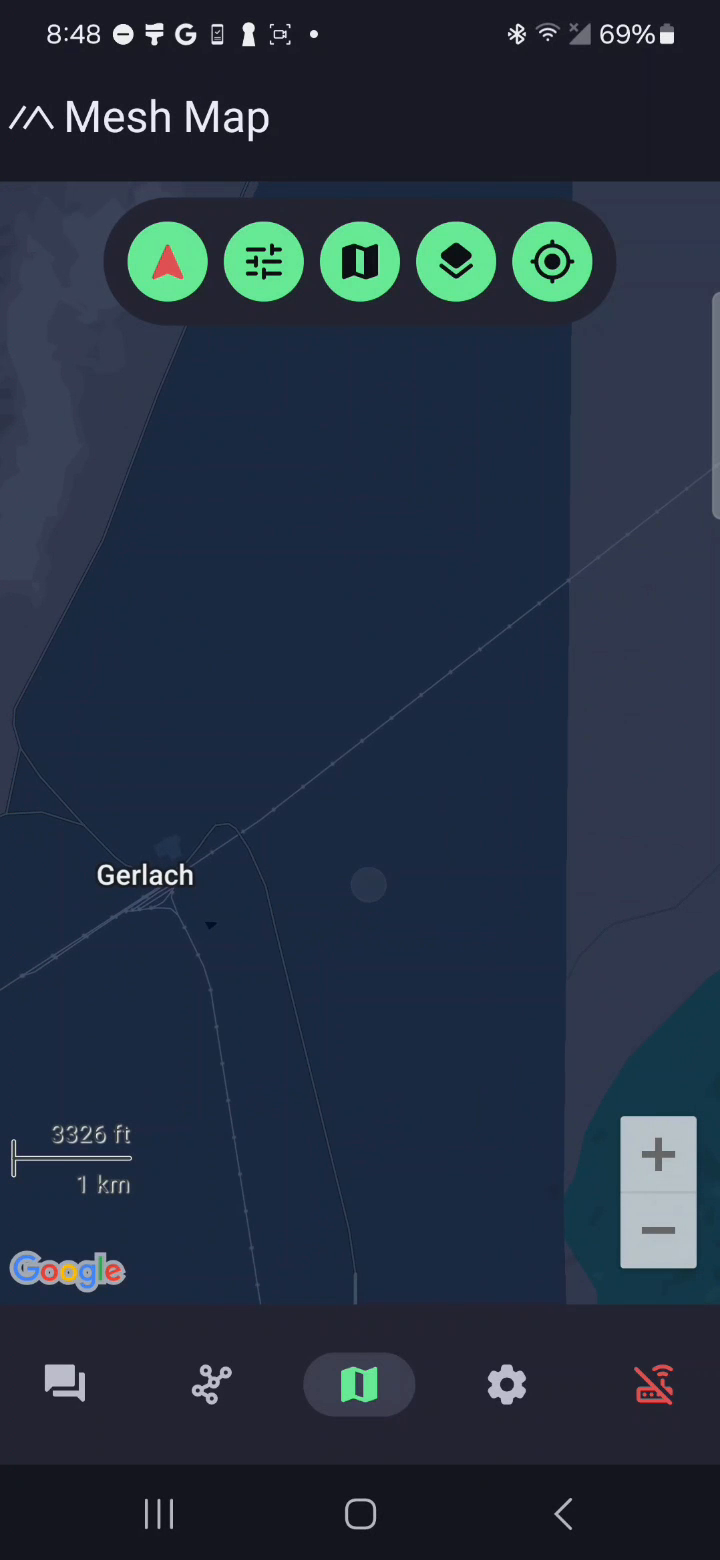
- Select the newly added map. Its name is based on the imported filename, such as BM2026HighDetail.
¶ 4. Verify the Black Rock City map
- Pan and zoom to northern Nevada and Black Rock City.
- Zoom in until the city streets, clock positions, plazas, and access roads are visible.
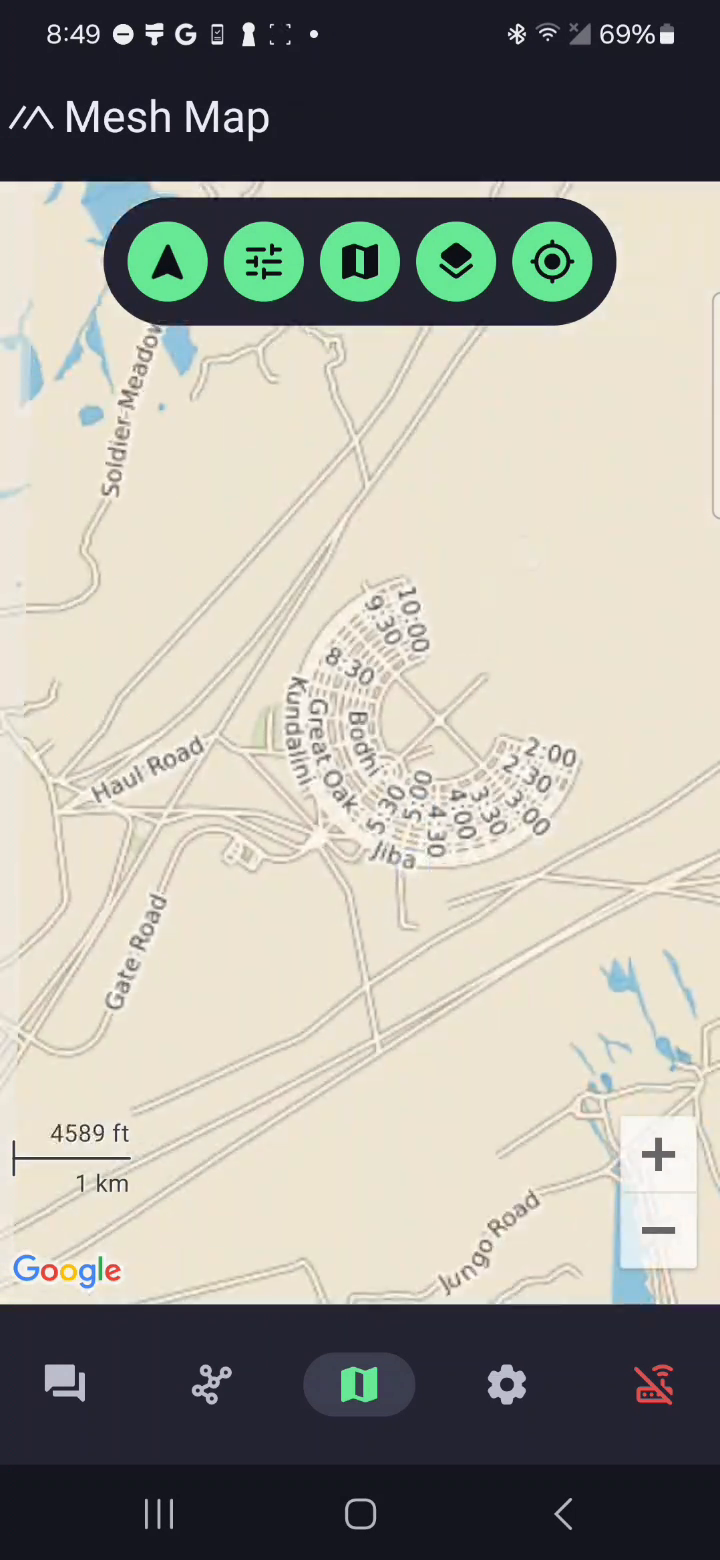
The custom MBTiles map is stored on your device and remains available without internet service.
¶ Verify the setup before you leave service
- Open Black Rock City in Meshtastic and confirm the custom map renders at several zoom levels.
- Temporarily enable Airplane Mode and verify the map still loads.
- Re-enable your normal network settings afterward.
If the normal Google map appears instead, open the map-style menu and select your BM2026 custom map again.
¶ Updating or changing the map
Return to Manage Custom Tile Sources whenever you need to add a different MBTiles file. The files in this guide are specifically for Burning Man 2026; download and import an updated map if BurningMesh publishes a newer version.
¶ Attribution and licensing
This map is a produced work rendered from OpenStreetMap data. If you copy, share, or redistribute these MBTiles files, you must keep the following attribution with them:
© OpenStreetMap contributors
- The map data is © OpenStreetMap contributors and is available under the Open Database License (ODbL). You must credit OpenStreetMap and, where the medium allows, link to the copyright and license page: https://www.openstreetmap.org/copyright.
- If you further distribute the underlying map data (not just these rendered image tiles), that data remains licensed under the ODbL and any derived database must be shared under the same license.
- The world base layer is from Natural Earth, which is in the public domain and requires no attribution.
The attribution © OpenStreetMap contributors; Natural Earth (public domain) is also embedded in the MBTiles metadata inside each map file.
The orange perimeter line is the OpenStreetMap Black Rock City administrative perimeter, not an official BLM closure boundary or burn-safety perimeter.